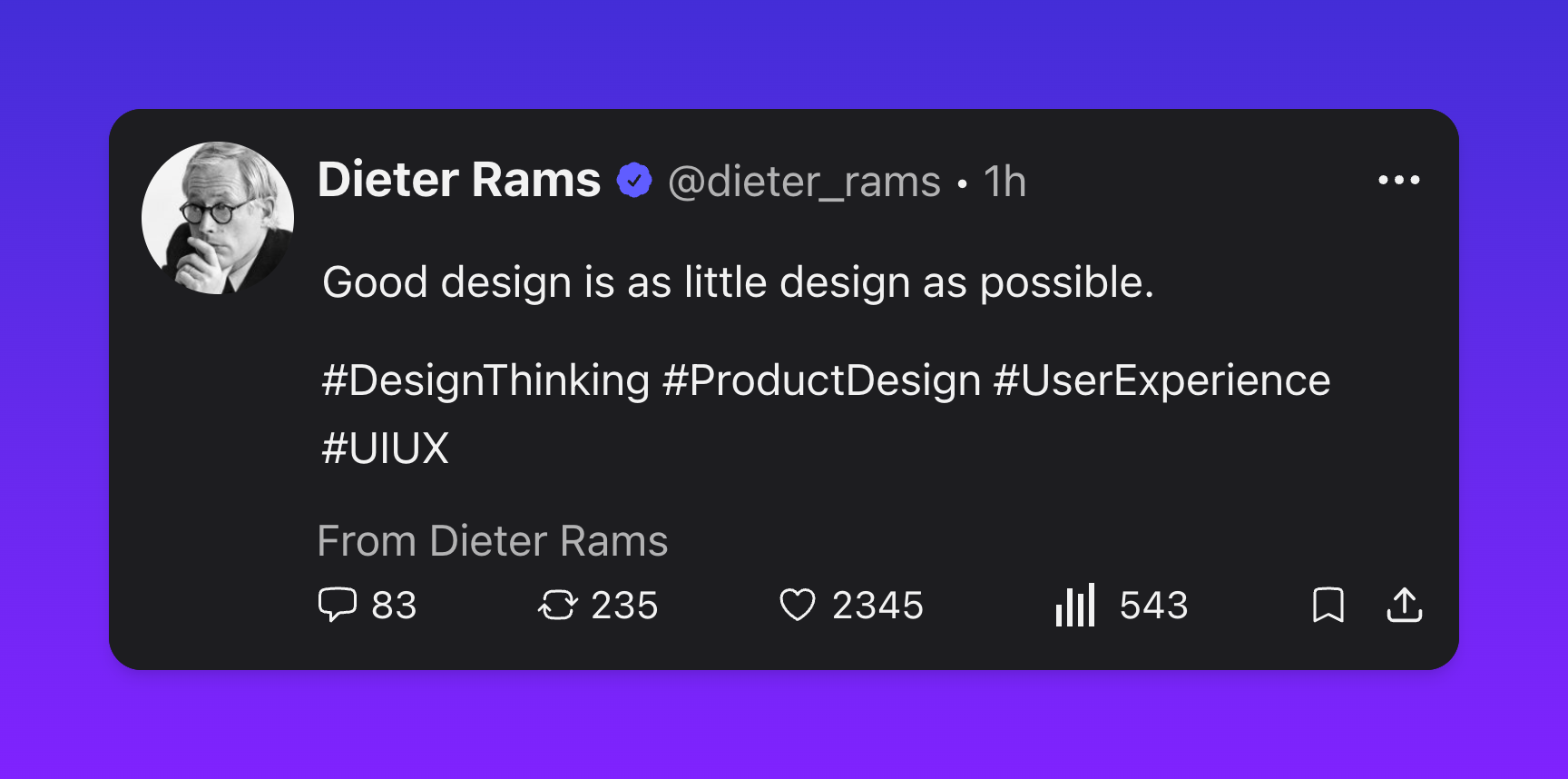
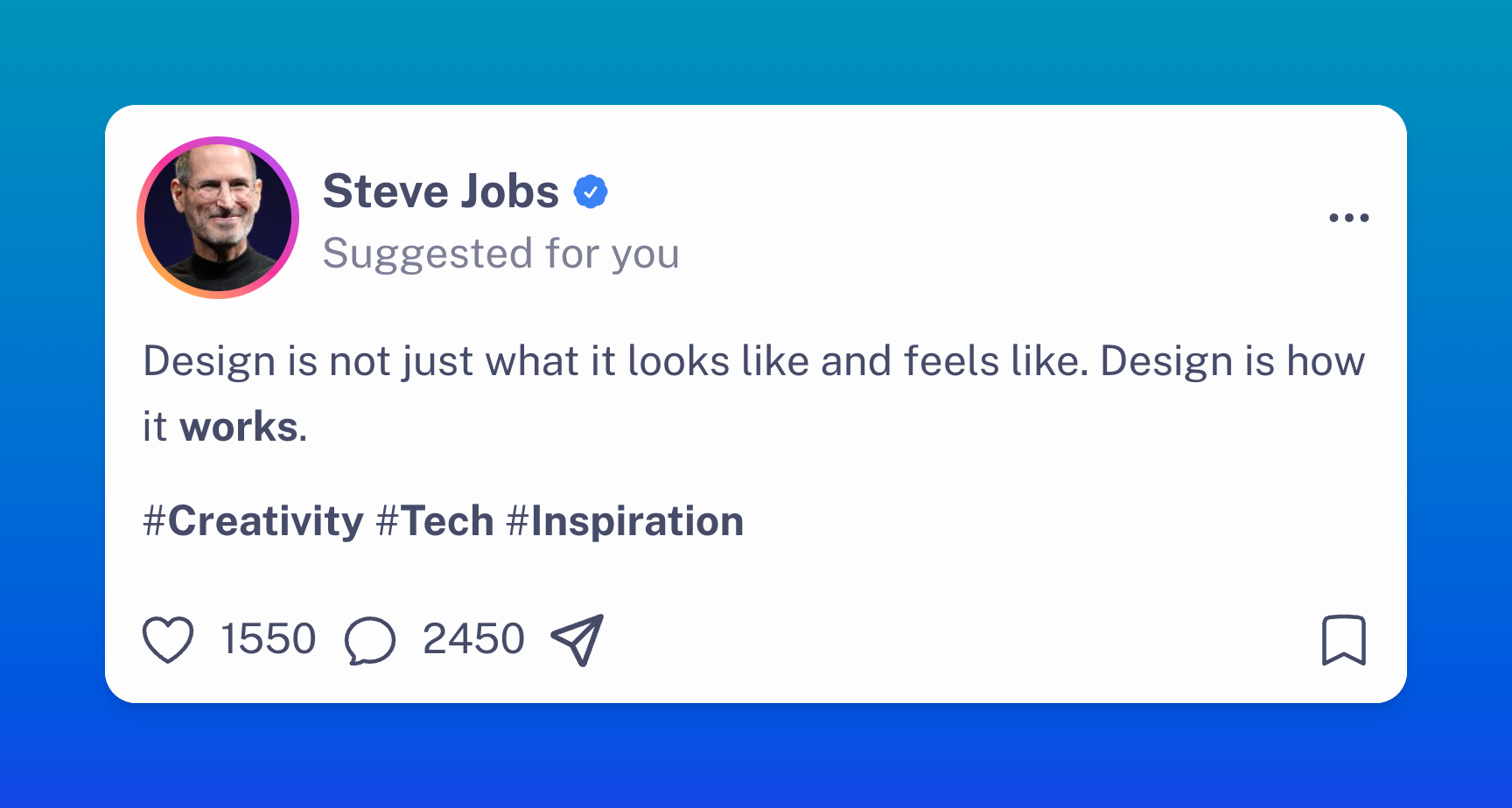
Live, pixel-perfect editing
Every edit reflows in real time typography, padding, shadow, background. What you see is what gets exported, down to the pixel.

Compose, theme, and export on-brand visuals in seconds. Tune every detail, colors, avatars, frames, gradients without ever opening a design tool.
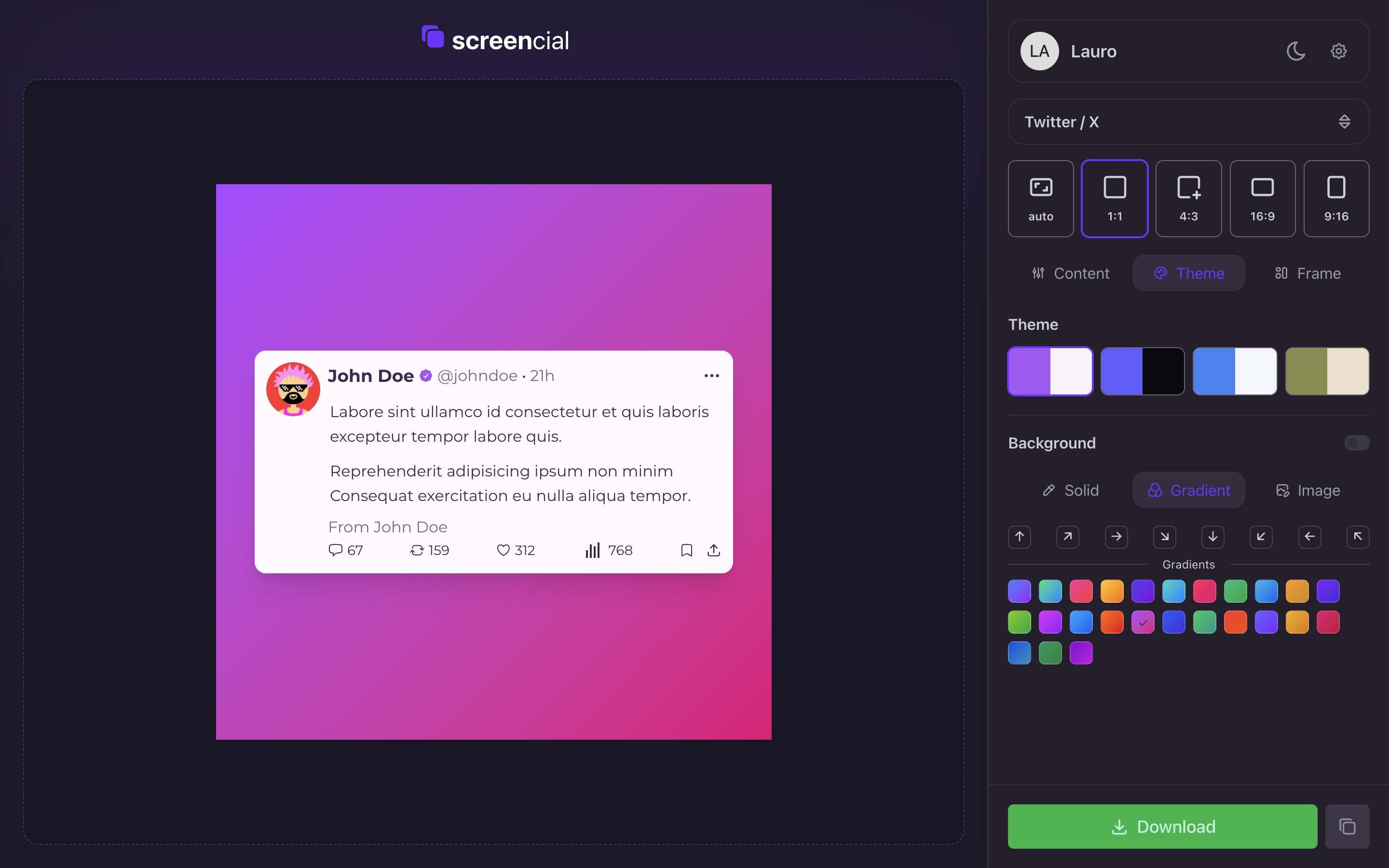
Built for creators, founders and marketers who care how their work looks the moment it gets shared.
Every edit reflows in real time typography, padding, shadow, background. What you see is what gets exported, down to the pixel.
Pick from solid, gradient, or full-bleed image backgrounds. Match your brand in one click.
Ship-ready layouts for X, Instagram, LinkedIn, code blocks and more already sized for the feed.
Roundness, shadow, padding, scale, opacity every knob a designer would want, none they wouldn't.
Square, 4:3, 16:9, vertical 9:16. Switch instantly without re-cropping or re-positioning.
Drop in your own photo or roll a generated one perfect for mockups, drafts, and quick hand-offs.
Save a palette once, reuse it across every screenshot you ship. Consistency without the spreadsheet.
Download in high resolution, drop straight into your post. No watermarks if you want and no upscaling artefacts, ever.
Each template is a starting point fully tweakable, every layer editable, no two exports look the same.
Try it free for 7 days. Pay monthly, save with yearly, or own it forever with a one-time lifetime license.
Everything Screencial offers — for creators & teams shipping every day.
€35.88
€32.29 billed yearly
Everything you need to know before you ship your first screenshot.
Screencial is a browser-based tool for designing on-brand social screenshots. Pick a template, tweak every detail, and export a high-res image — no design tool, no install.
There is no permanent free plan. New registered users get a 7-day free trial with full product access and no card upfront. After the trial, choose monthly, yearly, or lifetime access to keep using the editor.
Screencial stores the account, billing, session, and temporary editor data needed to run the product. Generated screenshot files and cache entries are temporary, and optional analytics or tracking stays off unless you accept cookies.
You can tune brand colors, avatars, backgrounds, frames, and template details from the editor. Available font controls depend on the template you choose.
Open Profile and Billing to view your trial, start checkout, or manage an active recurring plan in Stripe. Lifetime access has no recurring subscription to manage.
Account deletion removes or anonymizes account data where possible. Some billing, fraud-prevention, tax, security, and support records may be retained when legally or operationally required.
Payments are processed securely through Stripe. We never see or store your card details.
Use the support option in your account or email support@screencial.art. Paid customers receive priority support.